Great performance.
Get into the launcher in around 1 second and experience blazing fast responsiveness during usage.
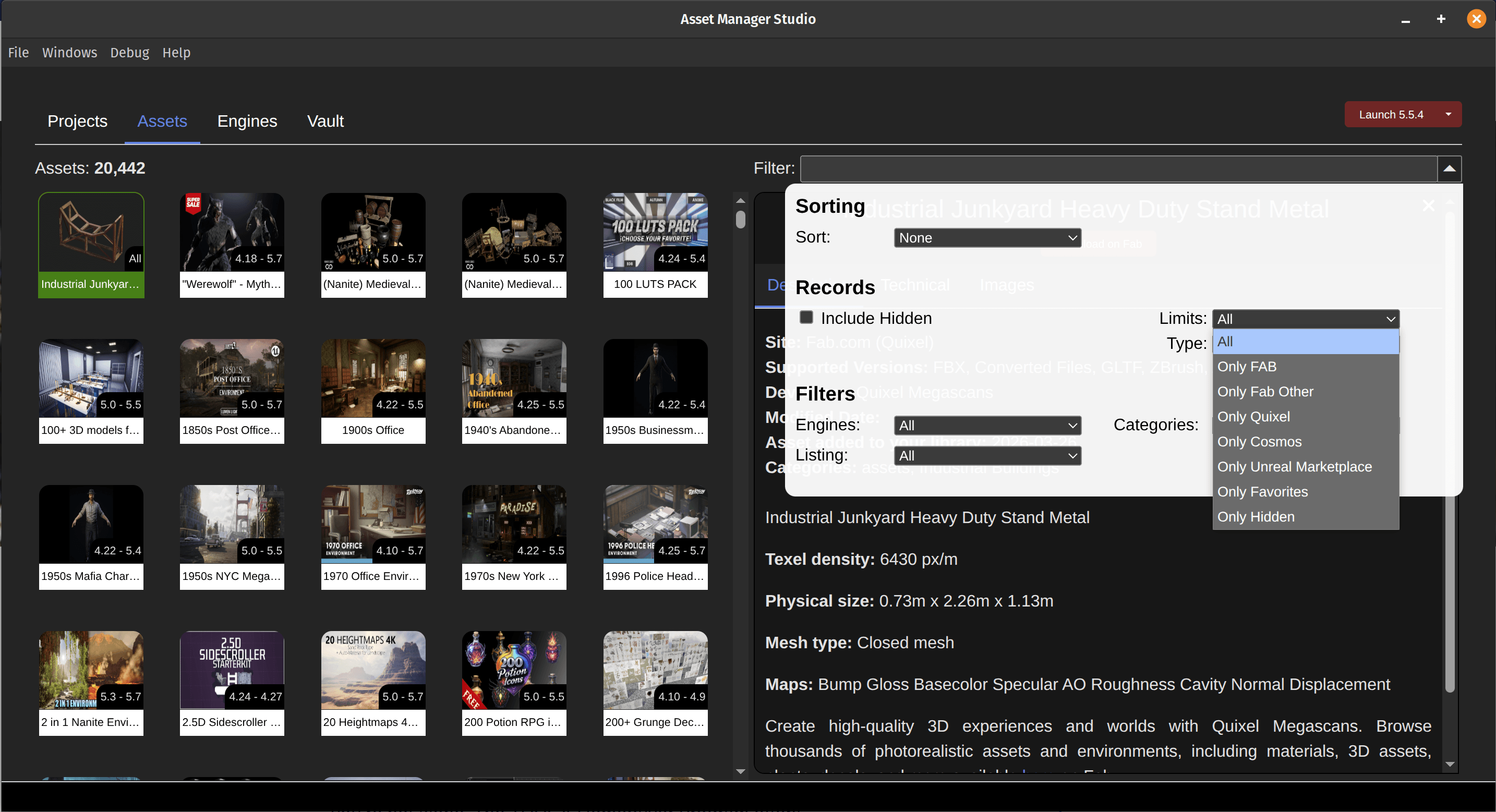
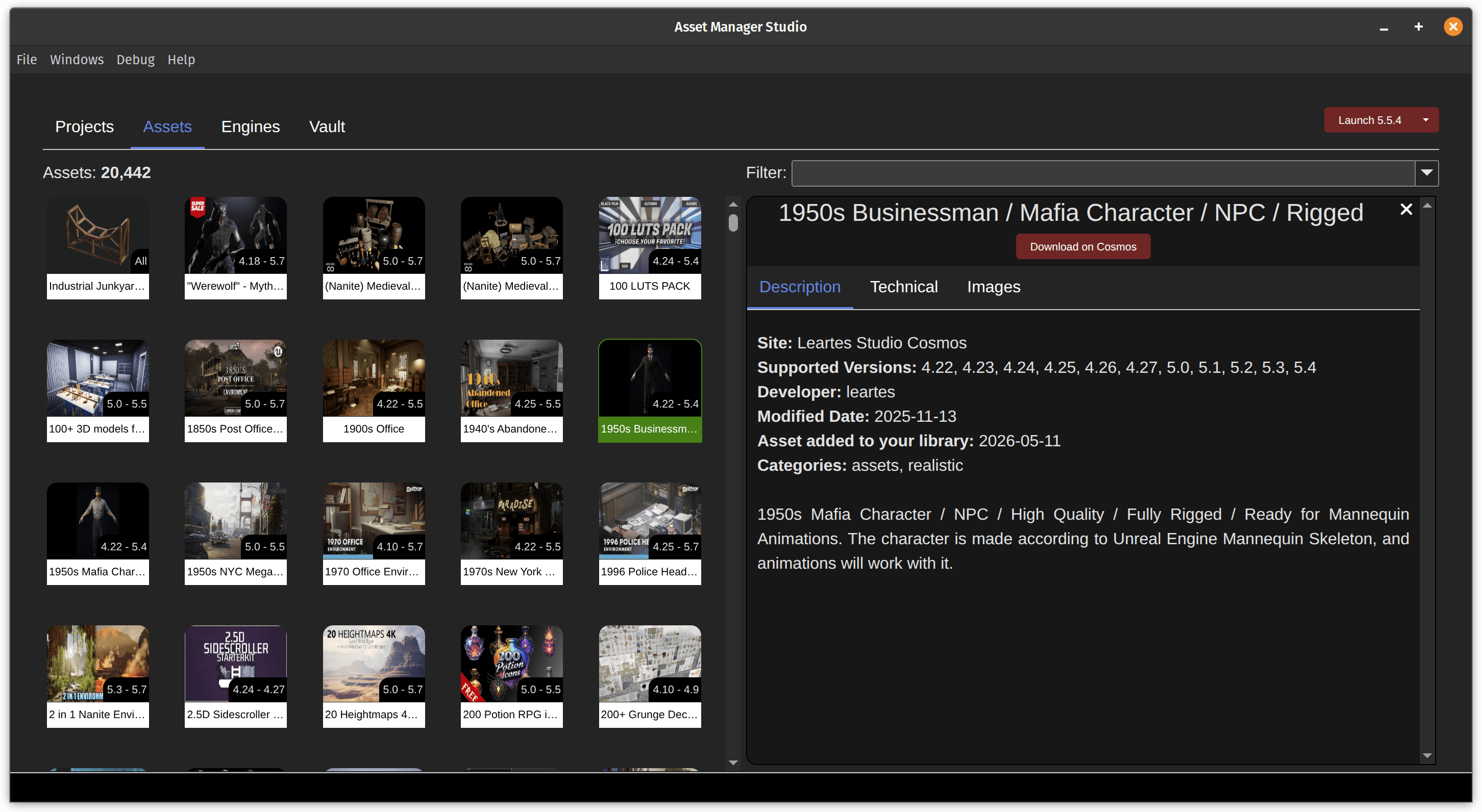
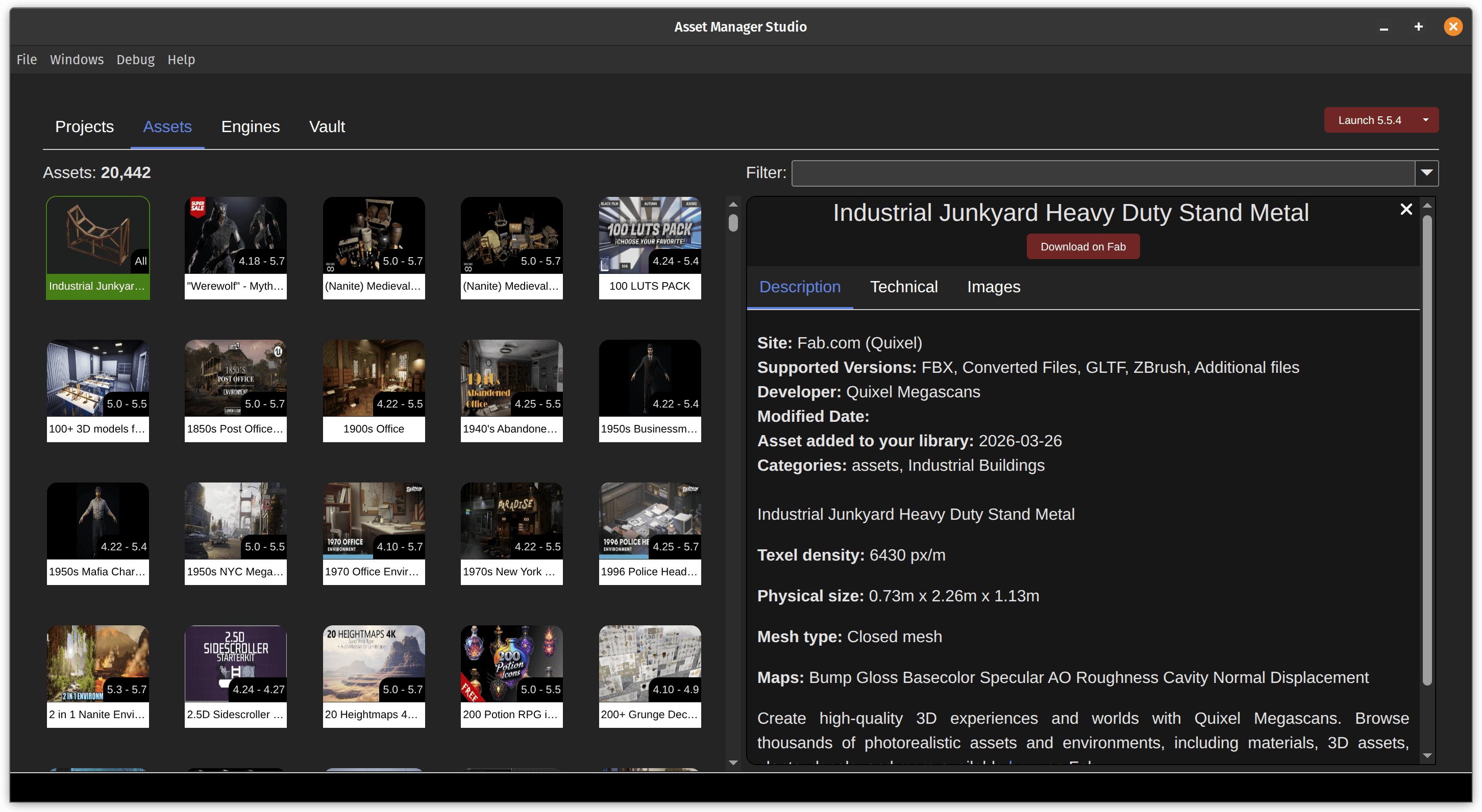
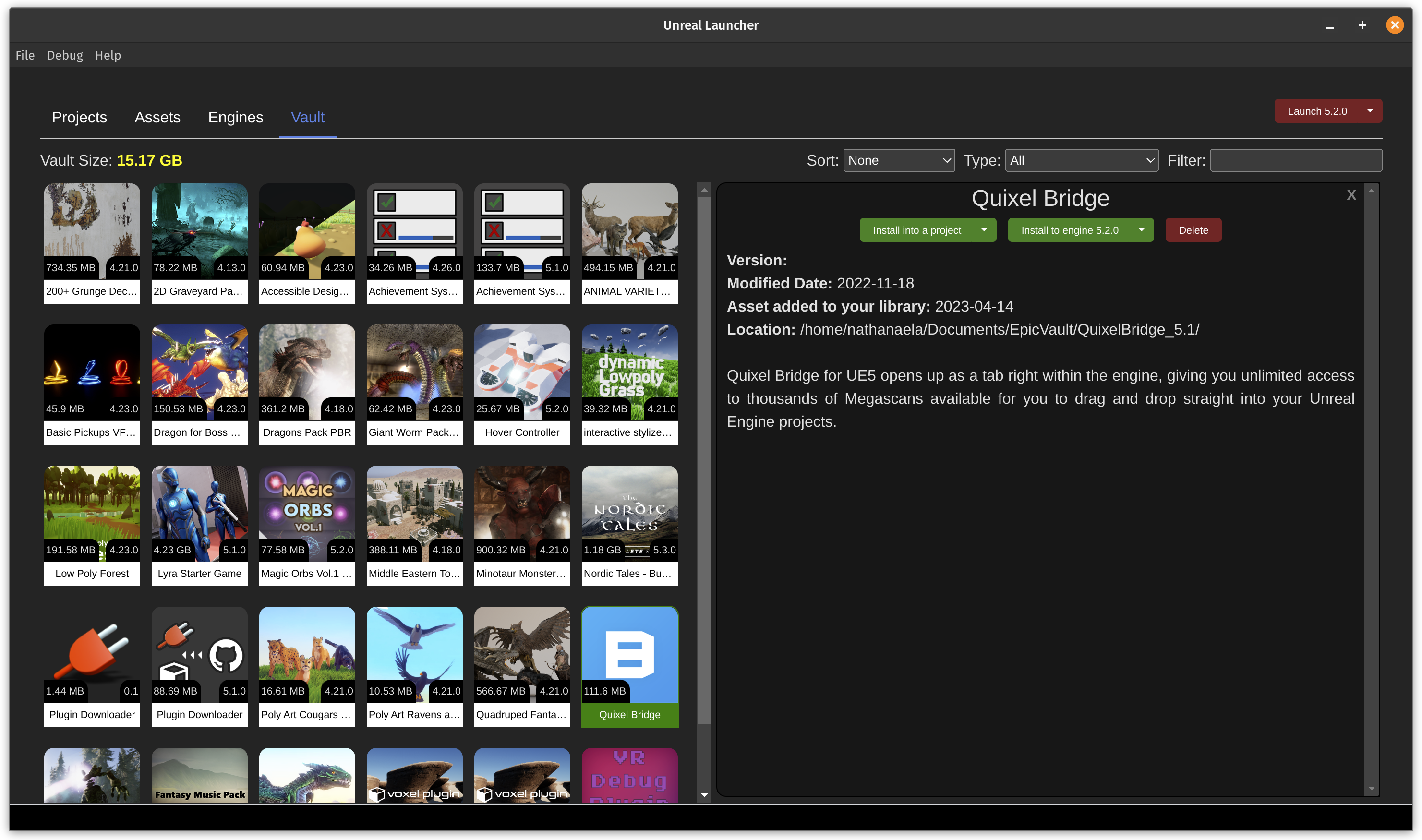
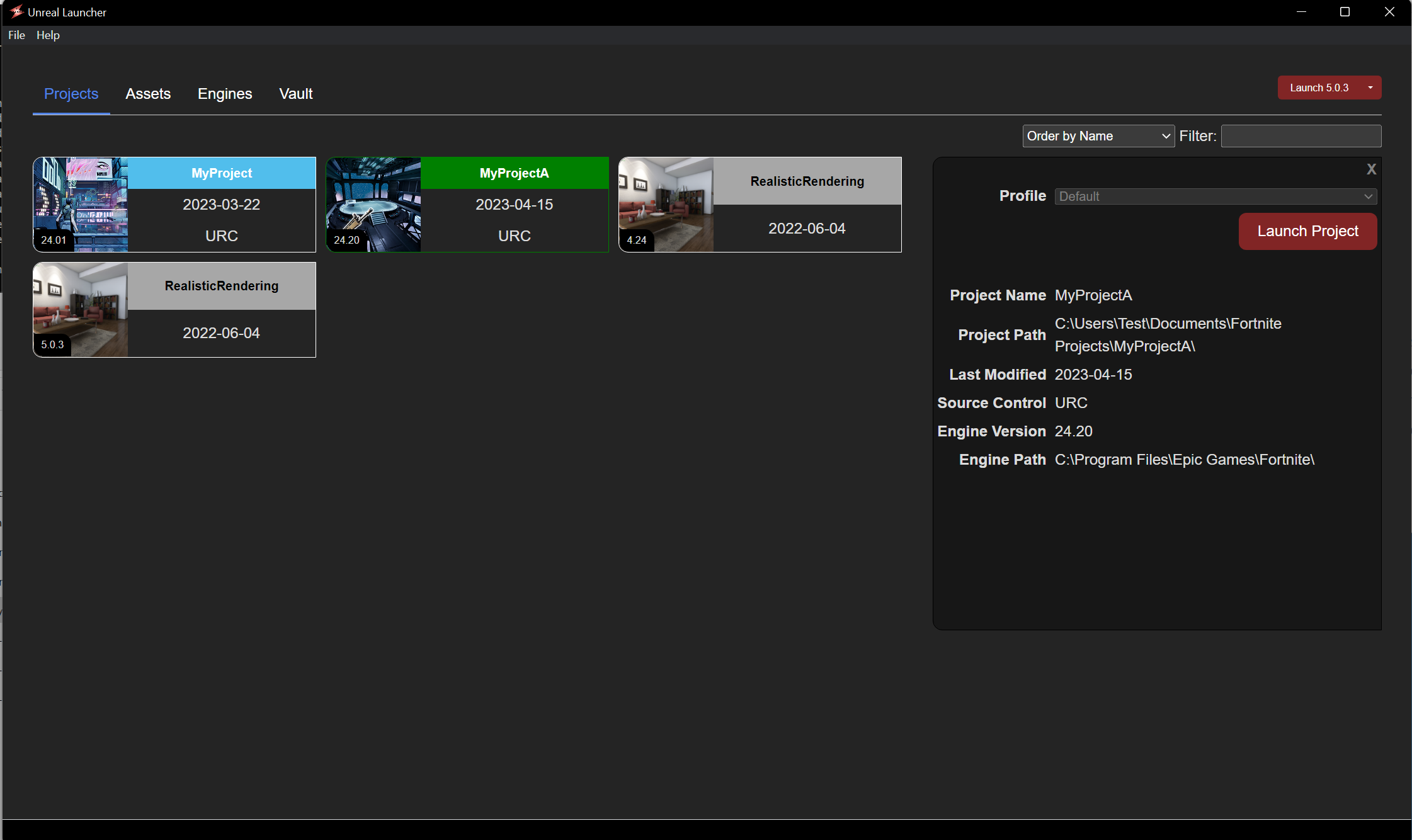


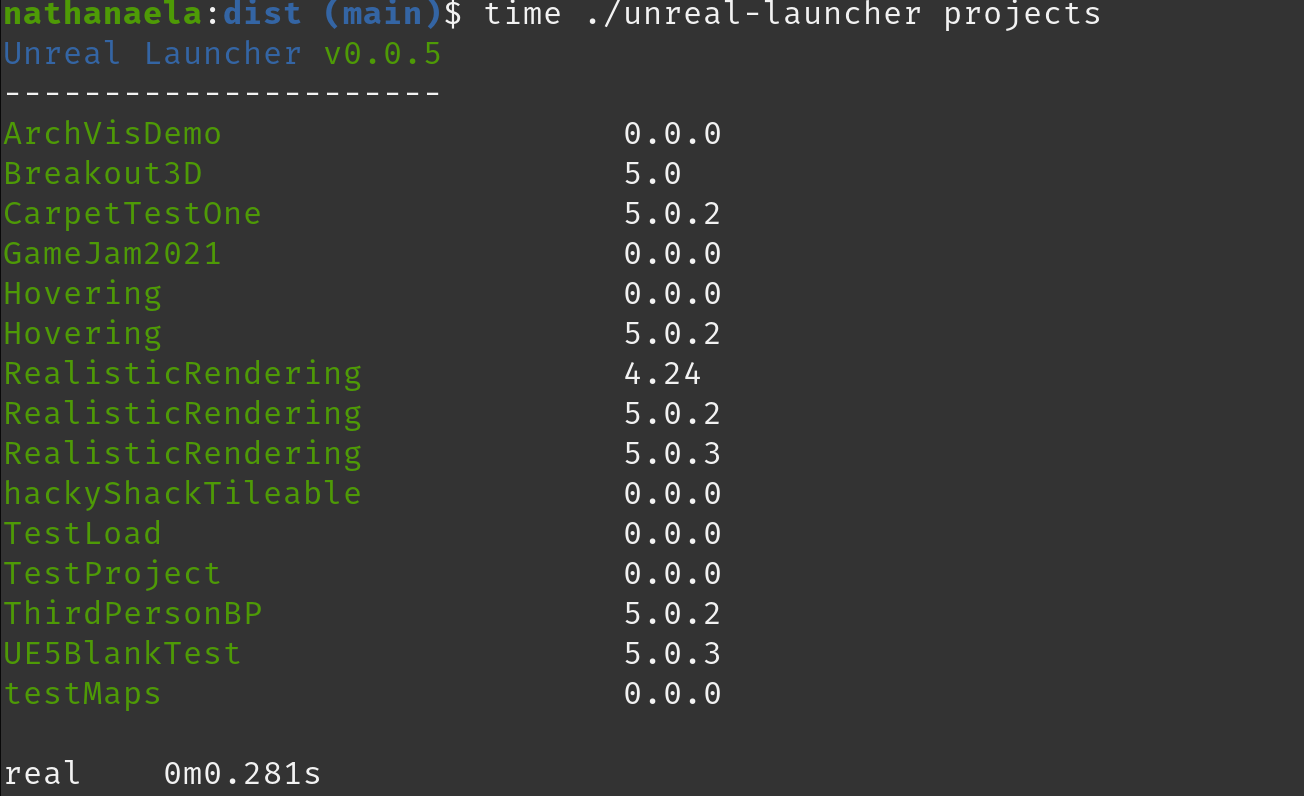
Get into the launcher in around 1 second and experience blazing fast responsiveness during usage.
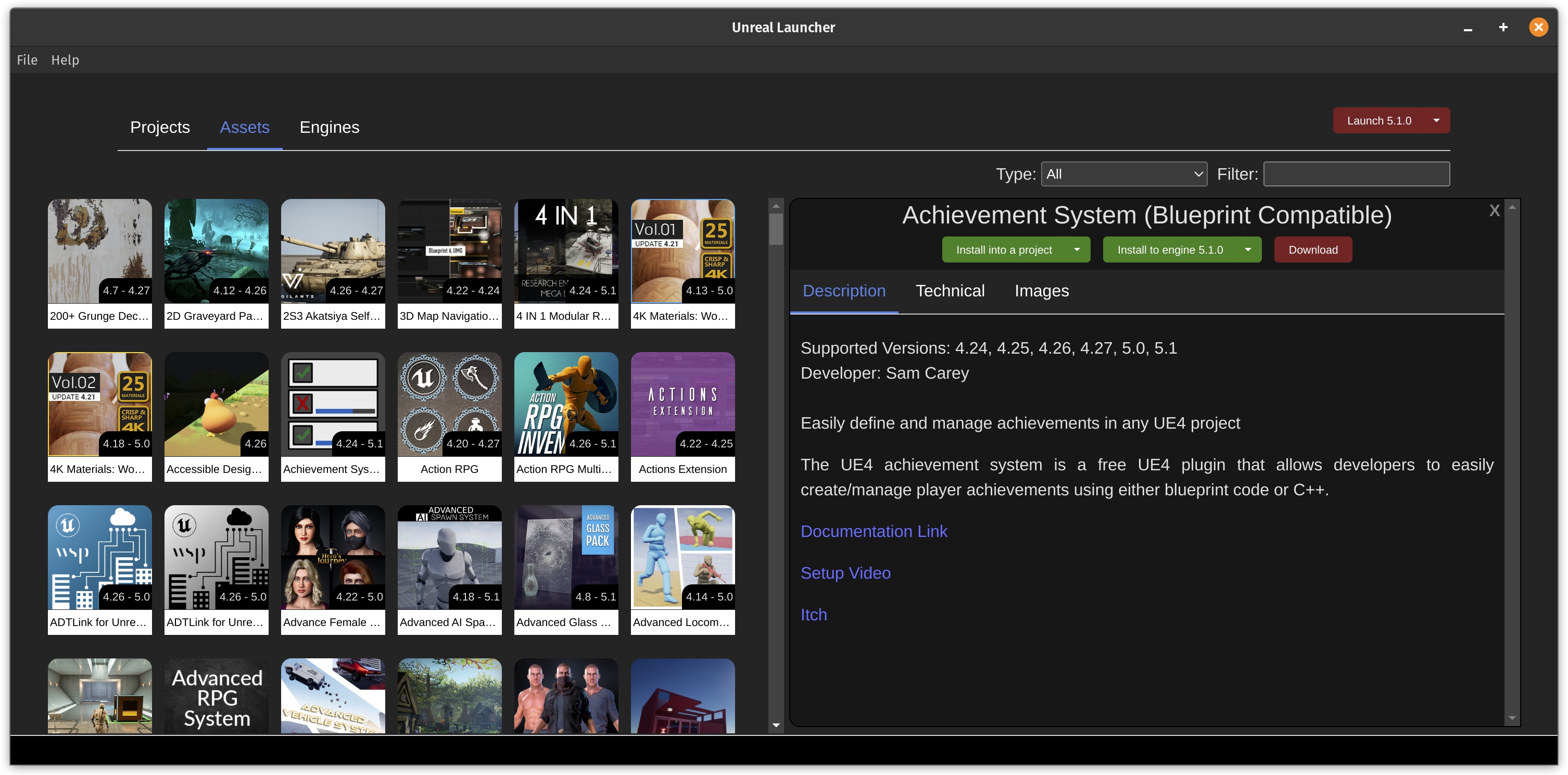
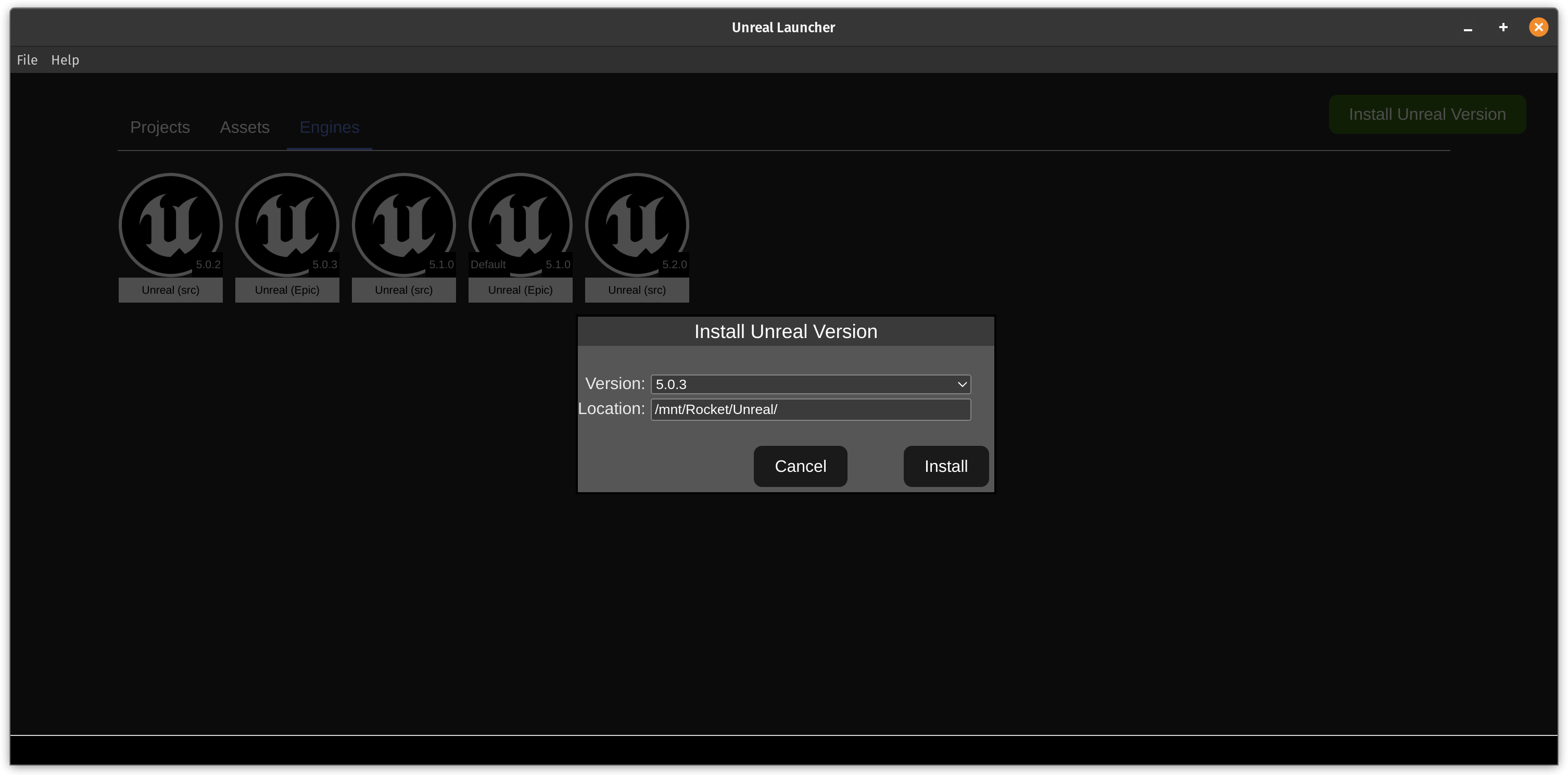
Install and manage Assets, Engines and Projects with an intuitive GUI and context menus.
Buying new Assets will display them automatically in your Assets tab.
The launcher is built to be fast in every way, from downloads to basic operations.
Install your plugins in either the Engine or your projects.
| Asset Manager Studio | Epic Games Launcher (v1) | Epic Games Launcher (v2) | Epic Asset Manager | UnVaultLauncher | ReHorder | |
|---|---|---|---|---|---|---|
| Version | 1.2.2 | 20.0.0 | 0.97.0 | 3.9.4 | 0.70 | 0.6.1 |
| Linux | ✅️ | ❌ | ✅️ | ✅️ | ❌ | ✅️9 |
| Windows | ✅️ | ✅️ | ✅️ | ❔1 | ✅️ | ✅️ |
| MacOS | ✅️ | ✅️ | ✅️ | ❌ | ❌ | ✅️9 |
| Memory Used | 21,000 Items = ~600mb | 3,000 Items = ~8.3GB | 700 Items = ~1.0GB | 2,000 Items = 15.8GB | 3,000 Items = 340mb | 3,000 Items = 1.00GB |
| -- per item (smaller is better) | 32kb | 2,760kb | 1,440kb | 7,900kb | 113kb | 333kb |
| GPU memory usage | ~140mb | 120mb - 2.7GB | 10mb | ~500mb | 52mb | 150mb - 800mb |
| Launch Time | < 1 sec | ~20 secs | 2.5 secs | ~6 secs | < 1 sec | ~6 secs |
| Disk Size (smaller is better) | 327mb | 1.47GB | 180mb6 | 36mb2 | 64mb | 302mb |
| Unreal Marketplace support | ✅️ | ✅️ | ❌ | ✅️ | ✅️ | ✅️ |
| Fab Unreal | ✅️ | ✅️ | ❌ | ✅️ | ✅️ | ✅️ |
| Fab Other (Obj/Gltf/Usd/etc) | ✅️ | ❌3 | ❌ | ❌ | ❌ | ❌ |
| Fab Quixel | ✅️ | ❌3 | ❌ | ❌ | ❌ | ❌ |
| Leartes Cosmos | ✅️* | ❌ | ❌ | ❌ | ❌ | ❌ |
| Skip downloading cruft | ✅️ | ❌ | ❌ | ❌ | ❌ | ✅️ |
| Clean vault items cruft | ✅️ | ❌ | ❌ | ❌ | ❌ | ✅️ |
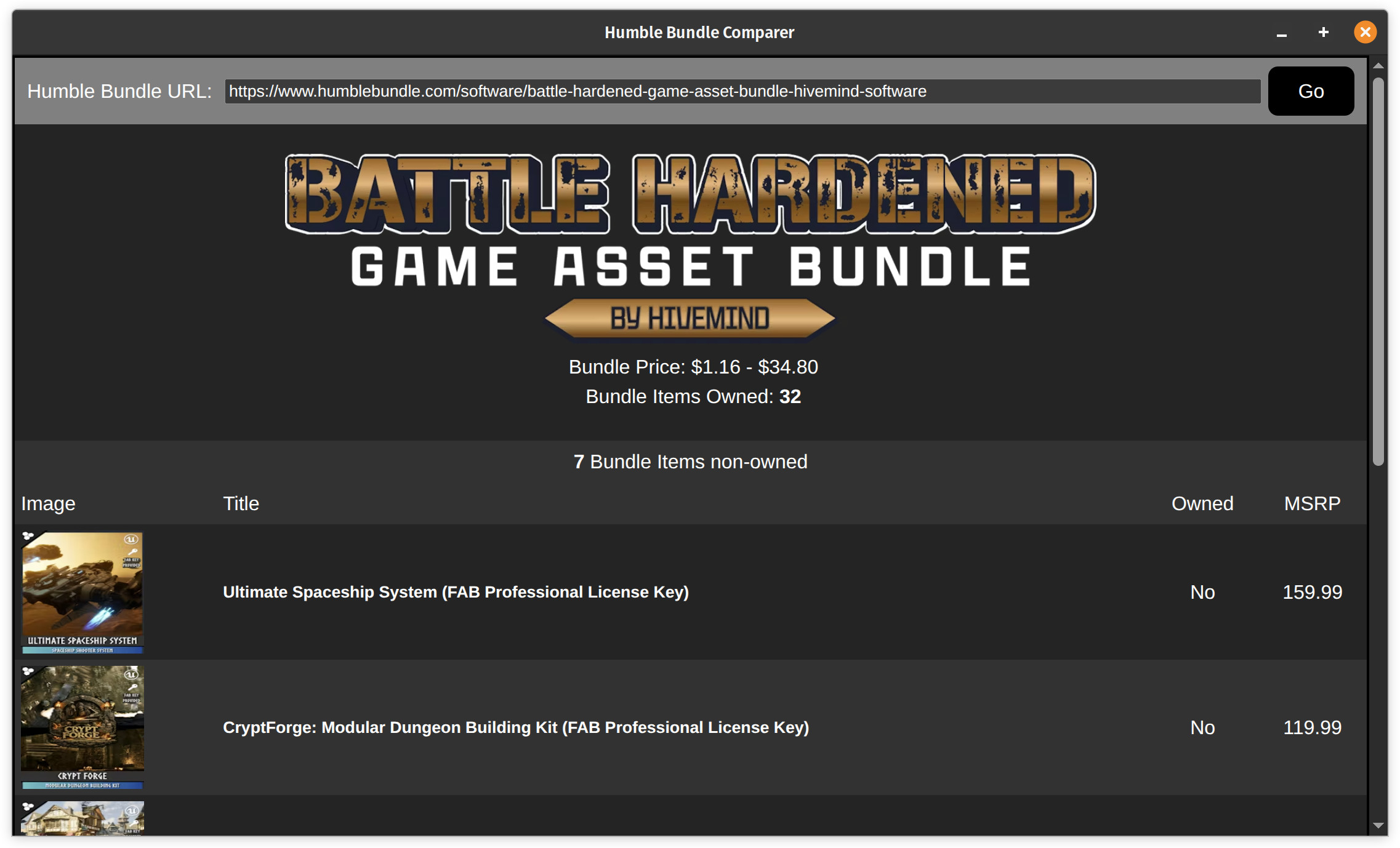
| Humble Bundle Comparer (Fab & Cosmos) | ✅️ | ❌ | ❌ | ❌ | ❌ | ❌ |
| Awesome UE related startup tips | ✅️* | ❌ | ❌ | ❌ | ❌ | ❌ |
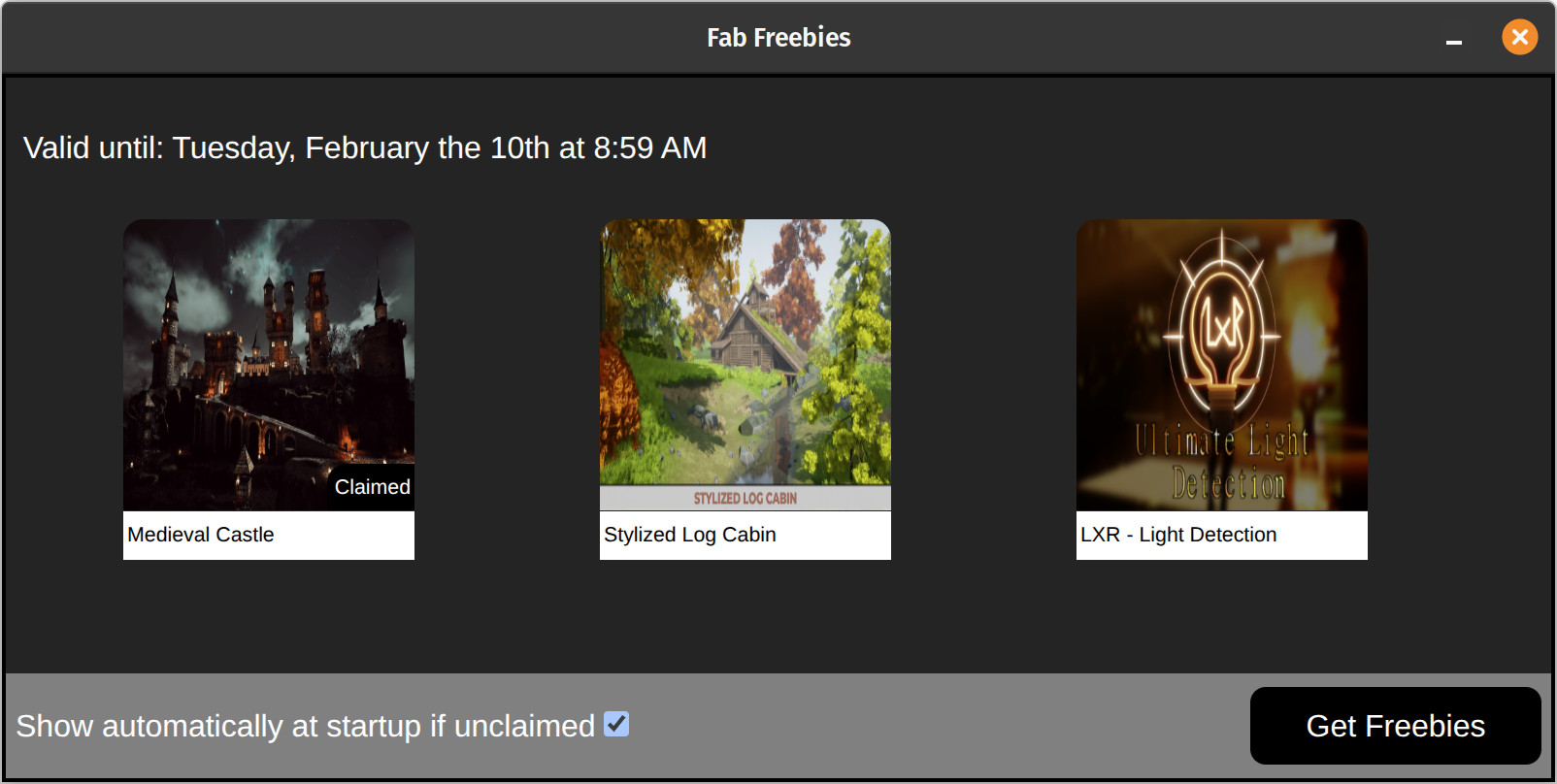
| Integrated Fab Giveaway Screen | ✅️* | ❌ | ❌ | ❌ | ❌ | ✅️* |
| Can download UE on all supported platforms | ✅️ | ✅️ | ✅️7 | ❔4 | ✅️ | ✅️ |
| Download options on UE for Windows | ❌ | ✅️ | ✅️ | ❌ | ✅️ | ❌ |
| Detailed integrated Asset information | ✅️ | ❌ | ❌ | ✅️5 | ❌ | ❌ |
| Jump to on Assets, Projects, Vault, Engines | ✅️ | ❌ | ❌ | ❌ | ✅️ | ✅️ |
| Simple searching on Assets | ✅️ | ✅️ | ❌ | ✅️ | ✅️ | ✅️ |
| Advanced searching on Assets | ✅️ | ❌ | ❌ | ❌ | ✅️ | ✅️ |
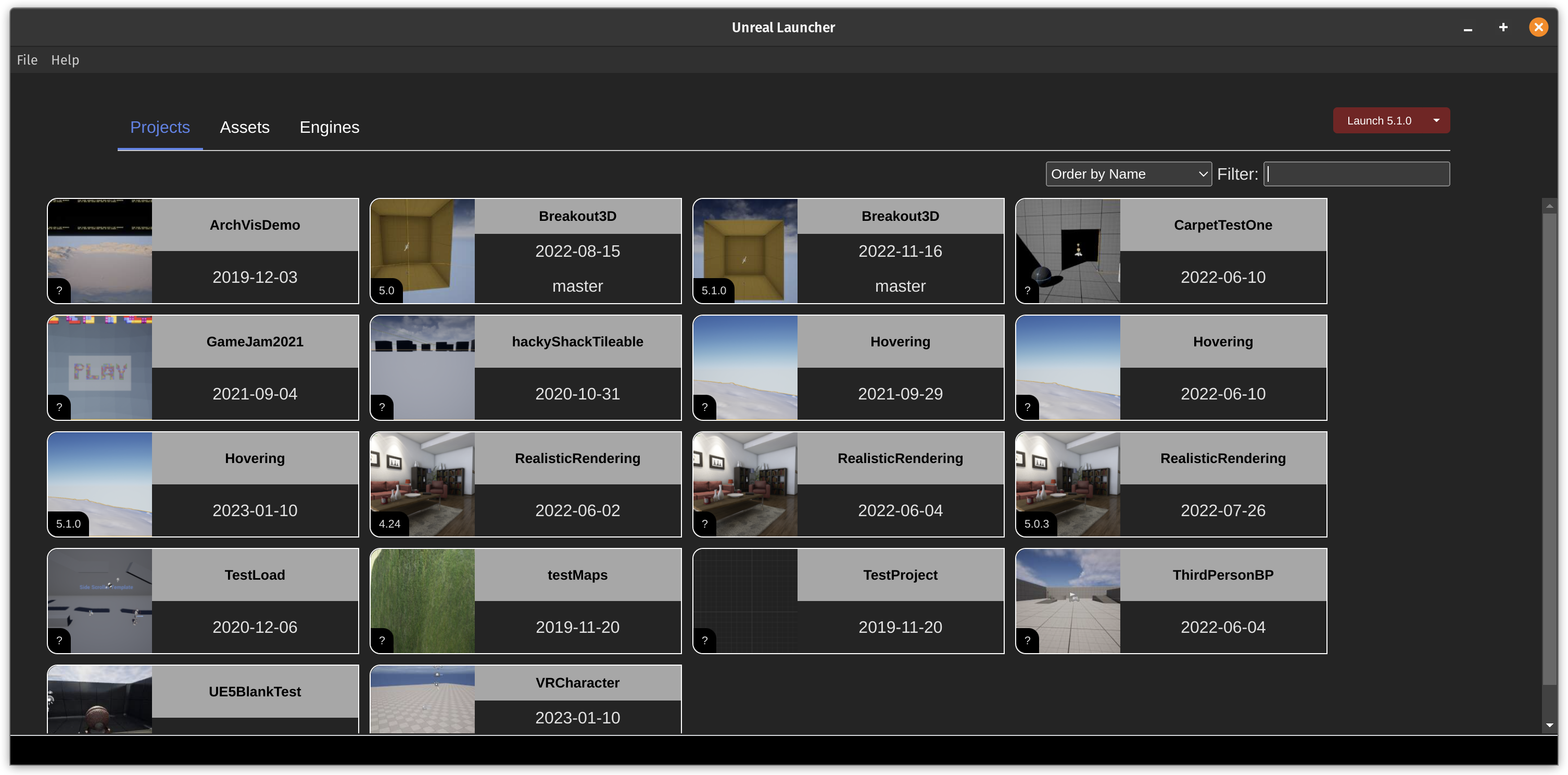
| Searching on Projects | ✅️ | ✅️ | ✅️ | ❌ | ✅️ | ✅️ |
| Integrated Vault view as part of assets view | ❌ | ✅️ | ❌ | ✅️ | ✅️ | ❌ |
| Separate Vault view | ✅️ | ❌ | ❌ | ❌ | ❌ | ✅️ |
| Scalable UI Images | ✅️* | ❌ | ✅️8 | ❌ | ❌ | ✅️ |
| Download and Install assets, plugins, and projects | ✅️ | ✅️ | ❌ | ✅️ | ✅️ | ✅️ |
| Optionally Install Plugins into projects | ✅️ | ❌ | ❌ | ❌ | ✅️ | ❌ |
| Can compile plugins before installing them | ✅️ | ❌ | ❌ | ❌ | ❌ | ✅️ |
| Launch both Engines and Projects | ✅️ | ✅️ | ✅7 | ✅️ | ✅️ | ✅️ |
| Auto-Exits at UE/Project launch (freeing all memory) | ✅️* | ❌ | ❌ | ❌ | ❌ | ✅️* |
| Multiple Project cleanup/quick actions | ✅️ | ❌ | ❌ | ❌ | ❌ | ❌ |
| Multiple Account support | ✅️10 | ❌ | ❌ | ❌ | ❌ | ✅️ |
If you are using the AppImage version on K/Ubuntu 24.04, you need to run it once:
sudo "./Asset Manager Studio-1.2.2.AppImage" --create-apparmor-profile --no-sandbox
You can help fund features through here: Ko-Fi, Patreon or PayPal
Please note for CLI usage the name is now "asset-manager-studio".